
Directions to Report Student Attendance
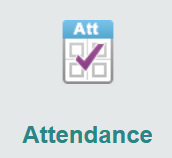
To report your child’s absence, please click the link below. This will direct you to ParentVue where you may indicate your child’s absence under the “Attendance” button and “Report Absence”
Step 1: Go to ParentVue
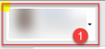
Step 2: Use the drop down to choose which child (if you have more than one in MCPS)
Step 3: Click the attendance button
Step 4: Click the “Report Absence” button

Step 5: Select date, reason and enter any notes. Click “Save”
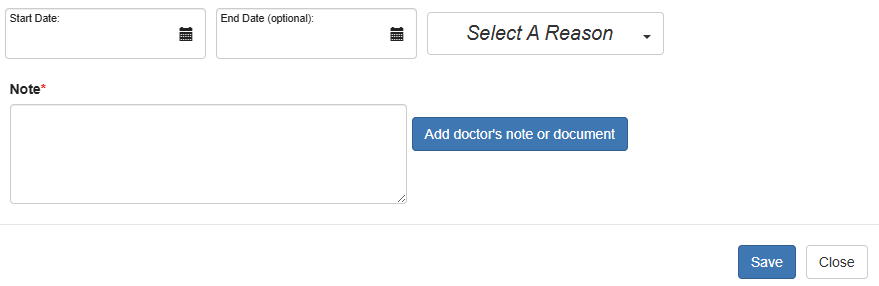
The school is now automatically notified of your child’s absence.
Here are further directions if needed:
Instructional Video / Video Instructivo
If you are having trouble using this system, please email Yvonne_Arias@mcpsmd.org directly.